- estimating
- bidding
- how-to
Start your next bid from a past one: duplicate a project
Duplicate a past project to start the next bid for the same customer: keep the scopes, vendors, rates and proposal text, and clear the dates, building size and quotes.
The TakeOn Team 4 min read
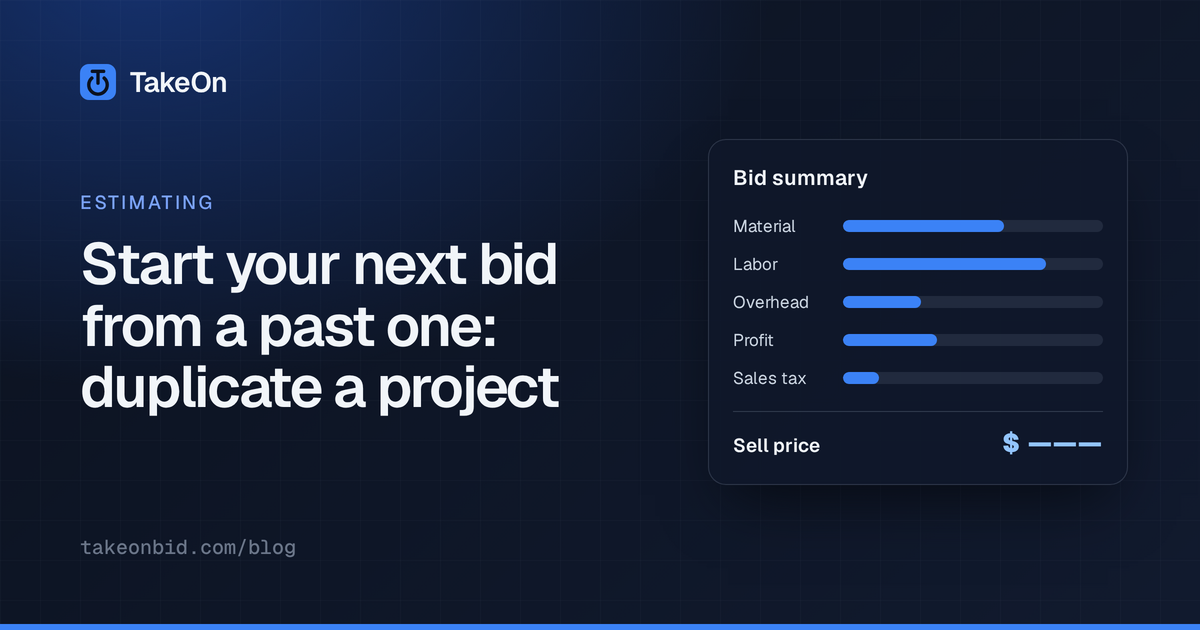
In short: To start your next bid from a past one, copy the parts that carry over (the scopes you send out, the vendors you invite, your rates, markups and proposal wording, the customer) and clear the parts that belong to the old job (dates, building size, quotes, the submitted price). In TakeOn, Duplicate… on a project does that in one step, with a checkbox for each part.
Key takeaways
- Repeat customers bring repeat bids: the same scopes, vendors, contacts and pricing posture, on a different building.
- Carry the setup forward. Don’t carry the old job’s dates, quantities or quotes, which make a new bid look further along than it is.
- Most of the time, take the plans only if the new job shares them. Takeoff is rarely reusable unless it’s the same building.
- TakeOn’s Duplicate copies inside the same workspace, starts the copy as a Lead with no bid due, and leaves comments, history and quotes with the original.
Why start a bid from a past one?
You start a bid from a past one because most of a bid’s setup isn’t about the building. For the same general contractor, owner or building type, the scopes you send out for pricing, the vendors you invite, the labor rates, markups, bond and insurance lines, and the proposal’s inclusions, exclusions and terms are usually the same as last time.
Rebuilding that by hand is slow, and it’s how a familiar exclusion gets dropped from a proposal.
What should carry over, and what should not?
What carries over is setup; what stays behind is anything tied to the old job’s building, schedule or prices.
| Carry over | Leave behind |
|---|---|
| Scopes sent out for pricing, invited vendors, contacts | Bid due date, quote and RFI deadlines, walkthrough |
| Labor rates, markups, burden, project prices | Square footage and crew size |
| Proposal wording | Supplier and sub quotes |
| The customer | The submitted, locked price |
| Plans and takeoff, only for the same building | Comments and review history |
The quotes deserve their own line. Prices from a bid two months ago aren’t prices for this bid; reusing them is how a stale copper price ends up in a new number.
How do you duplicate a project in TakeOn?
You duplicate a project in TakeOn from the project list or the project itself:
- Pick Duplicate… from the project’s row menu, or click the copy button in the project header.
- Type the New name (it defaults to the old name with “(copy)”).
- Under Copy, tick what to bring along. The options are below.
- Click Duplicate.
The dialog closes straight away and the copy appears in the project list as Copying… while TakeOn copies the files and records. It opens normally when it’s done. If a copy fails, its row shows Copy failed with a Retry button, and the retry picks up where it stopped.
Any member of the workspace who can open the project can duplicate it.
What does each Duplicate option copy?
Each option in TakeOn’s Duplicate project dialog copies one part of the project:
| Option | Default | Copies |
|---|---|---|
| Plans & pages | On | Documents, folders, sheet names, scales, mapping and schedules |
| Takeoff | Off | Markups, quantities and manual estimate lines (needs Plans & pages) |
| Pre-bid setup | On | Scopes and invited vendors (unsent), contacts and notes; dates are cleared |
| Estimate settings | On | Rates, markups, price overrides and proposal text; square footage and crew size are cleared |
| Alternates & change orders | Off | The lists, and their tagged takeoff when Takeoff is on |
| Customer | On | The linked customer |
With Estimate settings off, the copy starts from your workspace’s default estimate settings, the same as a new project.
With Takeoff on and Alternates & change orders off, takeoff tagged to an alternate or a change order is left out rather than moved into the base bid, so the copy’s base number doesn’t quietly grow.
What does a duplicated project start as?
A duplicated TakeOn project starts as a fresh bid:
- Pipeline stage Lead, no bid due date, and you as its estimator.
- Pre-bid quote, RFI and walkthrough dates and addenda cleared; every invited vendor reset to unsent, so the invite list is ready to send again.
- No locked bid, and no quotes.
Never copied: comments, checkpoints, history, pre-bid quotes and PDF exports. Those belong to the original.
Duplicate works inside one workspace. To move a project to a different workspace, use Move to workspace… instead.
Once the copy is open, set its bid due date so it shows on your bid calendar (tracking bid due dates across projects), then send the material list for fresh supplier prices (leveling supplier material quotes). If the new job is a revision of the same building rather than a new one, see updating a takeoff for addenda instead. Try TakeOn free.
Frequently asked questions
- Can I copy a project in TakeOn?
- Yes. Pick Duplicate… from a project's row menu in the project list, or use the copy button in the project header. You name the copy and choose what to bring along; the copy shows as Copying… in the list and opens when it is ready.
- What does TakeOn copy when you duplicate a project?
- TakeOn's Duplicate project dialog has six options: Plans & pages, Takeoff, Pre-bid setup, Estimate settings, Alternates & change orders, and Customer. Takeoff and Alternates & change orders are off by default; the other four are on.
- Does a duplicated TakeOn project keep the old bid's dates?
- No. A duplicated TakeOn project starts as a Lead with no bid due date. Pre-bid quote, RFI and walkthrough dates and addenda are cleared, and invited vendors are reset to not yet sent.
- Are comments and supplier quotes copied when you duplicate a TakeOn project?
- No. Comments, checkpoints, history, pre-bid quotes and the locked bid stay with the original TakeOn project. The copy is a fresh bid, so you collect new quotes for it.
- Can I duplicate a TakeOn project into another workspace?
- No. Duplicate copies a project inside its own workspace. Moving a project to a different workspace is a separate action, Move to workspace….