- estimating
- electrical estimating
- how-to
How to level supplier material quotes for an electrical bid
Send every supplier the same material list, have them price it line by line, pick the best price per part, and apply those prices to this bid only, not your catalog.
The TakeOn Team 5 min read
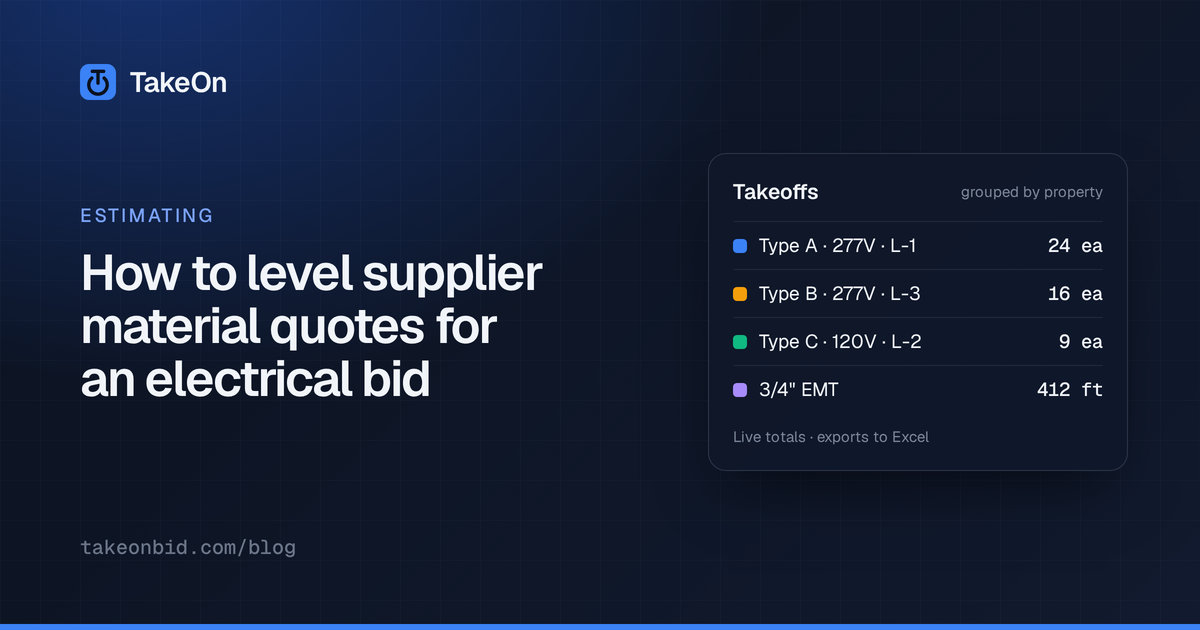
In short: To level supplier material quotes for an electrical bid, send every supplier the same list of parts and quantities from your takeoff, have each one price it item by item, put the prices side by side, and pick a price for each part: usually the cheapest, sometimes one supplier for the whole order. In TakeOn, a Pre-bid material quote does this, and Apply to estimate writes the picks as prices for this bid only, without changing your material catalog.
Key takeaways
- Price the same list. A supplier’s lump sum is only comparable if every supplier quoted the same parts at the same quantities.
- Ask for unit prices, line by line, so a part someone didn’t quote shows up as a gap instead of hiding inside a total.
- The cheapest price per part is not always the right pick. Splitting an order across five suppliers costs you in deliveries and returns.
- A quoted price belongs to this bid. Don’t overwrite the catalog every other bid prices from.
- TakeOn builds the material list from your takeoff, reads the prices back, levels them, and applies the picks as project prices.
What is material quote leveling?
Material quote leveling is comparing supplier prices on an identical list of parts and quantities, then choosing a price for each line. It is the material side of bid leveling: the same discipline you apply to sub quotes, applied to wire, conduit, boxes, devices and fittings.
Leveling matters because supplier quotes rarely arrive in the same shape. One quotes the whole list, one skips the specialty fittings, one substitutes a different device and one quotes in different units. A total from each tells you very little until the lines are lined up.
How do you get suppliers to quote the same list?
You get suppliers to quote the same list by sending them one list, built from your takeoff, with a blank price column. Every supplier then prices the same part numbers at the same quantities.
In TakeOn:
- Open the project’s Pre-bid page (menu → Bidding → Pre-bid) and, on the Scopes tab, click Add material quote.
- Invite your suppliers to that scope the same way you invite subs to any other scope.
- Download the list with Material list PDF or CSV.
The TakeOn material list has one line per catalog part on the base bid, with the quantity, the order quantity rounded up to the part’s pack size (whole coils, sticks or boxes), and blank Unit price and Notes columns. Parts inside an assembly are listed as their parts, so a receptacle kit becomes its box, ring, device and plate. The PDF also lists takeoff that no catalog part prices under “Not in catalog — for information”, so the supplier sees it, but those lines are never priced back.
TakeOn doesn’t send email. The list and the invite PDF are files; you send them from your own mailbox and mark each invitation as sent.
How do you compare the prices that come back?
You compare the prices that come back in the scope’s Price sheet: one row per part on the list, one column per invited supplier, and the bid’s current price beside them.
- Type or paste each supplier’s prices into their column.
- Import vendor CSV reads a supplier’s priced file. It matches on Part #, finds the columns by their headers, treats a blank as not quoted, and lists any Part # or price it couldn’t read rather than guessing.
- A supplier’s note shows on the cell, so “sub: Brand X” or “6-week lead” stays next to the price it qualifies.
The footer shows each supplier’s total and how many rows it priced, the total of your current picks, and the difference from the bid’s current prices. All of these are material cost at the list quantities, before waste, markup and tax.
TakeOn does not convert units. The unit prints beside each price, so a supplier quoting per hundred feet against a per-foot list has to be corrected by hand.
Should you take the cheapest price on every line?
You should start from the cheapest price on every line and then decide whether splitting the order is worth it. Cheapest-per-line can mean buying from every supplier on the list, with as many deliveries, invoices and return trips.
The TakeOn price sheet supports both:
| Pick | What it does |
|---|---|
| Cheapest (the default) | The lowest quoted price on each row; a tie goes to the supplier quoting more rows |
| One vendor for all | One supplier wherever it quoted, and the cheapest other supplier for the rows it didn’t |
| By hand | Click the dot in any priced cell to pick that supplier for that row |
Compare the picks’ total against the single-supplier option before deciding. A small saving split across many suppliers is often not worth the trucks.
How do the picked prices get into the estimate?
The picked prices get into the estimate with Apply to estimate, which writes each one as a project price. A TakeOn project price prices that part everywhere in this bid: takeoff lines, assembly kits, the Bid Summary, the export, the proposal and the report.
A project price never changes the workspace material catalog, so the next bid still prices from your normal numbers. Project prices are listed in the Estimate Grid’s Project prices section with their source (“Quote — ” and the supplier’s name), and Revert puts a part back on its catalog price. Update prices on the Bid Summary refreshes catalog prices without touching project prices.
The Also update manual lines using the part checkbox, on by default, also moves manual estimate lines that use the same part. If the supplier revises a quote you applied, editing its prices updates the project prices it set, and deleting the quote removes them. A finalized (locked) bid refuses the change, so the price you submitted doesn’t move under you.
What should you check before trusting a leveled number?
Before trusting a leveled number, check what the list did not cover:
- Substitutions. A supplier’s note may say the price is for a different part. Read the notes before applying.
- Gaps. A part no supplier quoted keeps its current price. Make sure that price is real.
- Units and packs. Confirm each supplier priced the unit on the list.
- Validity. Supplier prices on copper and conduit move. Note the quote’s valid-until date and re-quote if the bid slips.
- Waste, tax and freight. Leveled totals are bare material cost. The Bid Summary adds the rest.
Material quotes are one kind of Pre-bid scope; for the scopes that go to subs and vendors, see how to send bid invites before your takeoff is done. For how material cost turns into a sell price, see markup vs margin in an electrical bid, and for how a kit breaks down into the parts on this list, see what assemblies are in electrical estimating. The estimating features in TakeOn page covers the rest of the bid. Try TakeOn free.
Frequently asked questions
- What does it mean to level material quotes?
- Leveling material quotes means putting every supplier's prices side by side on the same list of parts and quantities, so you compare like with like, then choosing a price for each part. It catches gaps, such as a part one supplier didn't quote, that a single lump-sum total hides.
- Can TakeOn pick the cheapest supplier price for each part?
- Yes. In a TakeOn material quote's price sheet, the cheapest quoted price for each part is picked by default. One vendor for all switches to a single supplier wherever it quoted, filling its gaps from the cheapest other supplier, and you can pick any cell by hand.
- Do supplier prices applied in TakeOn change my material catalog?
- No. Apply to estimate in TakeOn sets project prices, which price the part on this bid only. The workspace material catalog that your other bids price from is not changed.
- Can suppliers send their prices back as a spreadsheet?
- Yes. TakeOn's material list downloads as a PDF or a CSV, and the price sheet's Import vendor CSV reads a supplier's priced file back, matching rows on Part # and listing any it couldn't match.
- Does TakeOn email the material list to suppliers?
- No. TakeOn builds the material list and the invite PDF, and you send them from your own email. You can then mark each invitation as sent so the scope shows who has it.