- estimating
- electrical estimating
- assemblies
What are assemblies in electrical estimating?
An assembly in electrical estimating is a kit: one counted item that stands for every part and the labor behind it. Count the device once and the kit is priced.
The TakeOn Team 6 min read
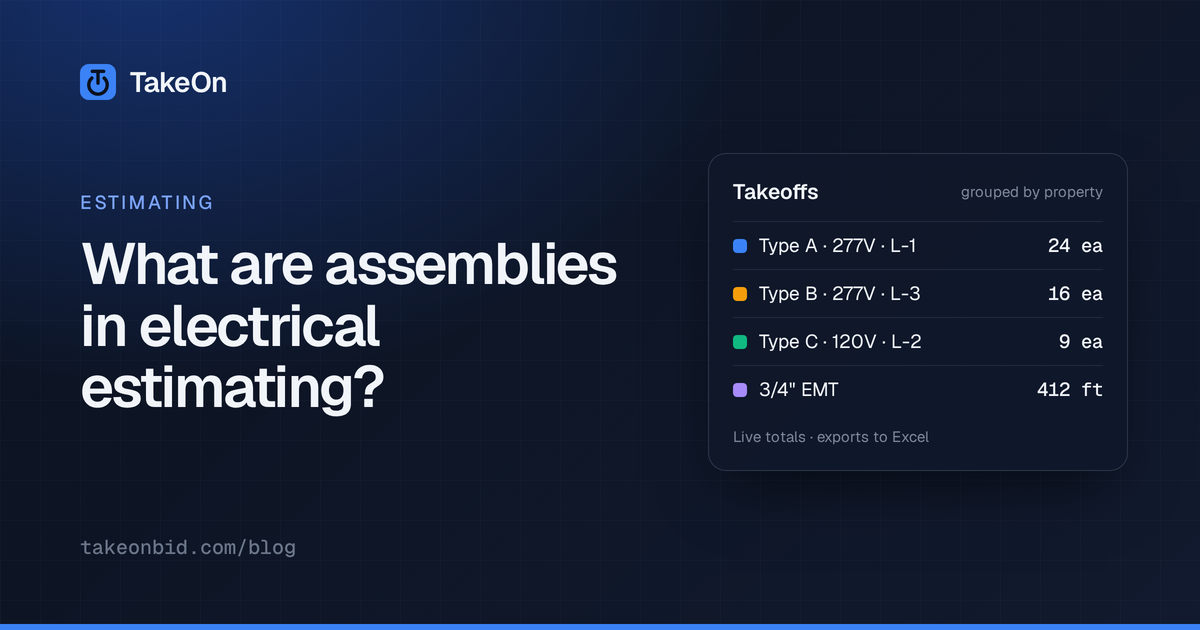
In short: An assembly in electrical estimating is a kit: one counted item that stands for all the material and labor that goes in with it. Count a duplex receptacle once, and the assembly brings in the box, mud ring, device, plate, cable, connectors and the labor to install them. Assemblies make an estimate faster and more consistent, but a wrong assembly repeats its mistake on every count, so each kit has to be checked against the job’s specs and wiring method.
Key takeaways
- An assembly is a list of parts with a quantity of each per counted item.
- Estimators use assemblies to count once and price many parts, to stay consistent, and to stop forgetting small items.
- The risks of assemblies are multiplied errors, stale prices, and hidden assumptions about box type or wiring method.
- A parametric assembly has inputs, such as a whip length, that change the quantities of its components.
- In TakeOn, a Count template backed by an assembly expands into its priced components in the Bid Summary.
- TakeOn’s starter assembly library is small and deliberately unpriced. You price it from your own catalog.
What is an assembly in electrical estimating?
An assembly in electrical estimating is a predefined kit of parts and labor attached to one takeoff item. The drawing shows a receptacle symbol. The installer needs a box, a ring, a device, a plate, some cable and a few connectors. The assembly is the list that turns the first into the second.
Without assemblies, you either count every part separately or carry one blended unit price per device. Most estimating systems have some form of assembly for that reason.
What goes into a typical assembly?
A typical device assembly holds the device, its box and trim, a share of the branch wiring, and the small parts. Here is an example kit for a 20 A duplex receptacle wired in MC cable. The quantities are illustrative; yours depend on your specs.
| Component | Quantity per receptacle |
|---|---|
| 4 in. square box | 1 |
| Single-gang mud ring | 1 |
| 20 A duplex receptacle | 1 |
| Duplex device plate | 1 |
| 12/2 MC cable | 15 ft |
| MC connector | 2 |
| Wire connector | 3 |
As a worked example, count 120 of those receptacles and the kit produces 120 boxes, 120 rings, 120 devices, 120 plates, 1,800 ft of MC cable, 240 MC connectors and 360 wire connectors. Labor follows the same way, because each part carries its own labor hours.
Why do estimators use assemblies?
Estimators use assemblies for three reasons: speed, consistency and completeness.
- Speed. You count one symbol and price seven parts.
- Consistency. Two estimators in the same shop price a receptacle the same way, because the kit decides what is in it, not memory.
- Completeness. Connectors, straps and wire nuts are cheap each and easy to leave out. In a kit they are counted every time.
What are the risks of estimating with assemblies?
The main risk of estimating with assemblies is that an error in the kit is multiplied by every count. As an illustration, if a kit leaves out a $2 part and you count 600 of that kit, the bid is short $1,200, and nothing on the screen looks wrong.
Two other risks are quieter:
- Stale prices. An assembly is only as current as the material prices under it. Copper and steel move; a kit priced last spring is a guess today.
- Hidden assumptions. A kit built for MC cable in a stud wall is wrong for EMT on a masonry wall, and the count looks identical either way. Name kits for what they assume, and read the spec’s wiring methods before you pick.
What is a parametric assembly?
A parametric assembly is an assembly whose component quantities are formulas over named inputs, instead of fixed numbers. The usual input is a length.
In the example above, make the cable length an input called mc_length with a
default of 15. The cable component’s quantity becomes [mc_length]. For an EMT
version, an input emt_length can drive several parts at once: conduit at
[emt_length], straps at [emt_length]/8, and wire at [emt_length]*3.
Change the input and the kit follows. With mc_length at 25 instead of 15,
the same 120 receptacles call for 3,000 ft of cable.
How do assemblies work in TakeOn?
Assemblies in TakeOn live in a workspace library and are attached to Count templates. The steps are:
- Open Settings, then Assemblies under Workspace. Add an assembly with a name, a category, a list of Inputs (key, label, default, unit) and a list of Components.
- For each component, pick a material from your workspace catalog and write its quantity formula. Formulas use the inputs in square brackets plus ordinary arithmetic.
- In a Count template, choose the kit under Back with an assembly.
- Count as usual. In the Bid Summary, each assembly-backed line shows expanded: the counted line, then its component lines with part number, description, quantity and unit, unit cost, extended cost and labor. Tick Roll up assemblies to collapse them back to one line per count.
The component costs and labor hours add up onto the counted line, so the rest of the Bid Summary, from labor burden through overhead and profit, treats it like any other priced line. On those last two steps, see markup vs margin in an electrical bid.
TakeOn assembly inputs can also vary per placement. Give the Count template a
number property with the same key as an input, such as mc_length, and the
value you enter on the takeoff replaces the default for that group of counts.
See how TakeOn template properties work.
Which cost wins when a TakeOn line has more than one price source?
When a TakeOn line has more than one price source, the most specific one wins, in this order:
- A per-line override you typed for this bid.
- The assembly backing the template.
- The template’s own unit cost and labor formulas.
- The catalog material linked to the template.
One catch: once a template is backed by an assembly, TakeOn does not fall back to the template’s formula. If none of the kit’s components has a price, the line stays blank rather than showing zero.
Does TakeOn come with a pre-built assembly library?
TakeOn comes with a starter assembly library, not a priced database. Every workspace gets a few dozen common commercial kits across Devices, Lighting, Gear, Branch Circuits and Special Systems, such as receptacles in MC or EMT, troffers, exit signs, panelboards, homeruns and data outlets. Most have an input already set up, usually a cable or conduit length.
The starter kits have quantities but no costs and no labor hours. That is deliberate: invented prices in an estimating tool produce confident, wrong bids. You can edit, rename or delete any of them.
A workspace owner controls the Receive library updates switch on the Assemblies page. Updates add new starter kits; kits you have edited are never overwritten.
How do you get prices into TakeOn assemblies?
You get prices into TakeOn assemblies by pricing the catalog materials their components point to. Open Settings, then Materials, and either type a unit cost and labor hours on each part, or import a supplier price sheet from CSV or Excel with a column-mapping step you can save per supplier. Re-importing updates by part number. The importer also reads a ProEst / Forma “Line Item Library” export. You can also swap a starter kit’s placeholder part for your own catalog item in the assembly editor.
The estimating features in TakeOn page lists the rest of the path from takeoff to bid. Schedule a demo to see a count expand into a priced kit on a real plan set.
Frequently asked questions
- What is the difference between an assembly and a material item?
- A material item is one part with one price, such as a 4 in. square box. An assembly is a list of material items with a quantity of each, so one counted receptacle or fixture brings in every part needed to install it.
- Do assemblies in TakeOn include labor?
- Yes, through the parts. Each component of a TakeOn assembly takes its labor hours from the catalog material it is linked to, and the hours for all the components are added up onto the counted line in the Bid Summary.
- Can I put an assembly on a conduit or wire run in TakeOn?
- Not today. TakeOn assemblies back Count templates only. A length of cable or conduit can still be part of a kit as a component, such as 15 ft of MC cable per receptacle, but a linear or area measurement cannot be backed by an assembly.
- Does TakeOn include a priced assembly database?
- No. TakeOn gives each workspace a small starter library of common electrical kits with quantities filled in and the cost and labor left blank. You price the parts from your own supplier pricing and labor units.
- Will a TakeOn library update overwrite an assembly I edited?
- No. A TakeOn starter-library update only adds kits a workspace does not already have. An assembly you have edited is never overwritten, and a workspace owner can turn library updates off entirely.
- Do assembly prices change after a bid is finalized in TakeOn?
- No. Assembly components are priced from the current material catalog while you are working, and Finalize / Lock bid in the TakeOn Bid Summary freezes the totals and the expanded component lines so later catalog edits do not move a submitted number.