- estimating
- labor
- electrical estimating
What is labor burden? Adding it to an electrical estimate
Labor burden is what an hour of labor costs the employer beyond the wage: payroll taxes, workers' comp, insurance, benefits. Add it as a percent of base labor.
The TakeOn Team 7 min read
In short: Labor burden is everything an hour of labor costs you as the employer beyond the wage itself: payroll taxes, workers’ compensation, other payroll-based insurance, and benefits. It is normally expressed as a percent of wages, and you add it to an electrical estimate by multiplying base labor (hours times wage) by one plus that percent. Leave labor burden out and every labor dollar in the bid is understated before overhead and profit are applied.
Key takeaways
- Labor burden is a direct job cost that scales with labor hours. It is not overhead.
- Your labor burden rate is your annual burden costs divided by the wages you paid for hours worked. Work it out from your own payroll records.
burdened rate = wage x (1 + burden %). A $40 wage at a 35% burden costs $54 an hour.- On an example 1,000-hour job at $40 an hour, leaving out a 35% burden understates cost by $14,000.
- TakeOn’s Bid Summary has a Labor burden % input and shows base labor, the burden, and the burdened labor cost as separate lines.
This post is general estimating education, not tax, legal or accounting advice. Confirm current rates and rules with your accountant or payroll provider.
What is labor burden?
Labor burden is the employer’s cost of an hour of labor over and above the hourly wage. An electrician paid $40 an hour costs the shop more than $40 an hour, and labor burden is the difference. It usually includes:
- Employer payroll taxes. The employer’s share of FICA is 6.2% for Social Security, up to an annual wage base that changes each year, plus 1.45% for Medicare. Federal unemployment tax (FUTA) and state unemployment tax apply to the first portion of each employee’s annual wages, and the state rate depends on your state and your claims history. Confirm all of these for the current year.
- Workers’ compensation insurance. Workers’ comp is rated per $100 of payroll by classification, and adjusted by your own loss experience.
- General liability insurance, where your policy is rated on payroll.
- Benefits. The employer’s share of health insurance, retirement contributions, paid holidays, vacation and sick time, and union fringes where they apply.
Some shops also put training, vehicles or small tools into labor burden. That is a choice. What matters is that each cost is counted once: if trucks are in your overhead, they cannot also be in your labor burden.
What is the difference between labor burden and overhead?
Labor burden scales with the labor hours on a job; overhead does not. Put twice as many hours on a job and you pay twice the payroll tax and workers’ comp premium on those wages. Office rent, the estimator’s salary and accounting fees stay the same whether this job exists or not. That is overhead: the cost of keeping the doors open.
The distinction changes the bid. Labor burden belongs inside the direct labor cost, so labor-heavy jobs carry more of it. Overhead is recovered afterward by a markup on the whole job cost. Folding labor burden into a general overhead percentage undercharges labor-heavy jobs and overcharges material-heavy ones. For how overhead and profit markups stack, see markup vs margin in an electrical bid.
How do you calculate your labor burden rate?
You calculate your labor burden rate by dividing a year of burden costs by the wages you paid for hours worked in that same year. Pull the numbers from your payroll reports and insurance audits. The free labor burden calculator does the arithmetic for one employee and shows the fully burdened rate.
Here is an illustrative build-up with round numbers. Say a small shop paid its field electricians $500,000 last year, of which $20,000 was paid time off. That leaves $480,000 of wages for hours actually worked.
| Burden cost for the year | Amount |
|---|---|
| Employer Social Security, 6.2% of $500,000 | $31,000 |
| Employer Medicare, 1.45% of $500,000 | $7,250 |
| Federal and state unemployment tax | $6,750 |
| Workers’ compensation premium | $36,000 |
| General liability, payroll-based portion | $10,000 |
| Health insurance, employer share | $45,000 |
| Retirement contributions | $12,000 |
| Paid time off (holidays, vacation, sick) | $20,000 |
| Total labor burden | $168,000 |
burden rate = 168,000 / 480,000 = 0.35 = 35%Two details are easy to get wrong. Payroll taxes are owed on all wages paid, including paid time off, so they are figured on the $500,000. (The example assumes nobody’s pay passed the Social Security wage base.) The divisor is the $480,000 of wages for hours worked, because the rate gets applied to estimated hours, and nobody estimates vacation hours into a job.
The 35% here is an example, not a benchmark. Labor burden varies widely with your state, your workers’ comp classification and loss history, whether you are a union shop, and your benefits. Figures from about 25% to well over 40% of wages get quoted for electrical contractors, and a union fringe package can push it far higher. None of those is your number. Your payroll records are.
How does labor burden change the hourly rate you estimate with?
Labor burden raises the hourly cost you should estimate with from the wage to the burdened rate:
burdened rate = wage x (1 + burden %)With a $40 wage and the 35% example rate, that is 40 x 1.35 = $54.00 an
hour. That $54 is still a cost. Overhead and profit have not been applied yet.
For a mixed crew, blend the wages first. One foreman at $50, two journeymen at
$40 and one apprentice at $30 is (50 + 40 + 40 + 30) / 4 = $40.00 an hour
blended, and 40 x 1.35 = $54.00 burdened. A single shop-wide burden percent
is a simplification, since a fixed health premium is a larger share of an
apprentice’s wage than a foreman’s.
What happens to an electrical bid if you leave labor burden out?
If you leave labor burden out, the electrical bid is low by the burden amount plus the overhead and profit that should have been applied on top of it. Take an example job with $50,000 of material, 1,000 labor hours at a $40 wage, 10% overhead, 10% profit markup, and sales tax set aside to keep it short.
| Example job | Burden left out | 35% burden included |
|---|---|---|
| Material | $50,000 | $50,000 |
| Base labor, 1,000 hrs x $40 | $40,000 | $40,000 |
| Labor burden, 35% | $0 | $14,000 |
| Direct cost | $90,000 | $104,000 |
| Overhead, 10% | $9,000 | $10,400 |
| Profit, 10% markup | $9,900 | $11,440 |
| Sell price before tax | $108,900 | $125,840 |
The bid without labor burden is $16,940 lower, and you still pay the $14,000. Win the job at $108,900 and your true direct cost is $104,000, which leaves $4,900 for overhead and profit on a bid built to carry $18,900 of them.
How does TakeOn add labor burden to an estimate?
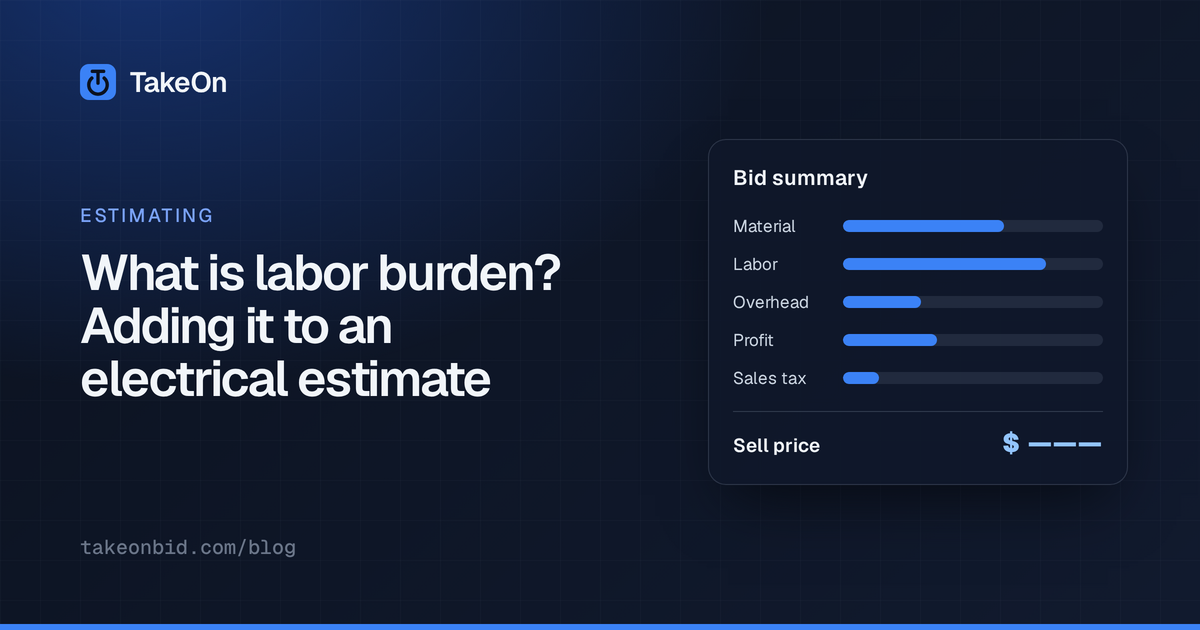
TakeOn’s Bid Summary has a Labor burden % input, and it applies the burden to base labor as its own visible step. The Bid Summary is the page in TakeOn where a priced takeoff becomes a sell price. With a labor burden set, the labor part of the waterfall reads:
- Base labor: labor hours times the labor rate. The hours come from the takeoff, where each counted or measured item carries labor hours per unit (see what an electrical takeoff is).
- + Burden, at the percent you entered.
- Burdened labor cost: the sum of the two.
The burdened labor cost then joins material in the prime cost subtotal, so contingency, overhead and profit are all calculated on the burdened figure, the same order as the table above. A small tools and consumables percent or a labor sales tax, if you carry one in TakeOn, is figured on the burdened labor cost as well.
You can set a default Labor burden % once under Settings → Workspace → Estimating, and new projects in that workspace start with it. Each project’s Bid Summary can still override it.
TakeOn also supports per-role labor rates. Enter journeyman, apprentice and foreman rates with a crew mix, and the Bid Summary prices labor at the crew-weighted blend and breaks the labor cost down by role. TakeOn applies one labor burden percent to all base labor, not a separate burden per role.
Two things TakeOn does not do. It does not calculate your labor burden rate; that comes from your payroll records. And it cannot tell whether the labor rate you typed is already burdened. If it is, leave Labor burden % blank, and the Bid Summary shows a single labor cost line. The Sanity check recap under the waterfall shows Labor % of direct cost, a quick way to notice labor that looks too light.
Schedule a demo to see labor burden flow through a Bid Summary, from base labor to sell price.
Frequently asked questions
- What is included in labor burden?
- Labor burden includes the employer's payroll taxes (Social Security, Medicare, federal and state unemployment), workers' compensation insurance, payroll-based general liability, and benefits such as health insurance, retirement contributions, paid time off and union fringes. Some shops also include training, vehicles or small tools, which is a choice that must not be repeated in overhead.
- How do you calculate a labor burden rate?
- Add up a year of employer-paid labor costs beyond wages and divide by the wages paid for hours worked in the same year. If those costs were $168,000 on $480,000 of wages, the labor burden rate is 35%.
- Is labor burden the same as overhead?
- No. Labor burden rises and falls with the labor hours on a job, so it belongs in the job's direct labor cost. Overhead is the cost of keeping the business open regardless of any one job, such as office rent and office salaries, and is recovered with a separate markup.
- What is a fully burdened labor rate?
- A fully burdened labor rate is the hourly wage multiplied by one plus the burden rate. A $40 wage with a 35% labor burden is a burdened rate of $54 an hour, which is the employer's actual cost of that hour.
- Does TakeOn calculate labor burden?
- TakeOn's Bid Summary has a Labor burden % input. When it is set, the Bid Summary shows base labor, the burden added, and the burdened labor cost, and overhead and profit are calculated on the burdened figure. TakeOn does not work out your burden rate for you; you enter the rate from your own payroll records.
- Should you enter a burdened labor rate or a separate burden percent in TakeOn?
- Either works in TakeOn, but use only one. Enter a bare wage plus a Labor burden %, or enter an already burdened rate and leave Labor burden % blank. Doing both counts the burden twice.