- low voltage
- how-to
- bill of materials
How to count data drops and build a cabling BOM
Count each data outlet with its number of cables, then expand every drop into jacks, plates, rings, patch-panel ports, patch cords and cable to get the BOM.
The TakeOn Team 5 min read
In short: To build a cabling bill of materials from data drops, count every data outlet on the drawings with the number of cables at each, then expand each outlet into its parts: a jack, a patch-panel port and a patch cord per cable, plus one faceplate and one mounting ring per outlet. Measure the cable from each outlet to the telecom room, add a service loop and slack, and multiply by the cables. The totals of those lines are the BOM.
Key takeaways
- Count drops, not locations. The number next to a data outlet symbol is the number of cables.
- Per cable: one jack, one patch-panel port, one patch cord, one cable run. Per outlet: one faceplate, one ring.
- Cable footage is measured length, plus a service loop per run, times cables, plus slack.
- Patch-panel ports and patch cords live in the telecom room, not on the floor plan, so they are the easiest parts to miss.
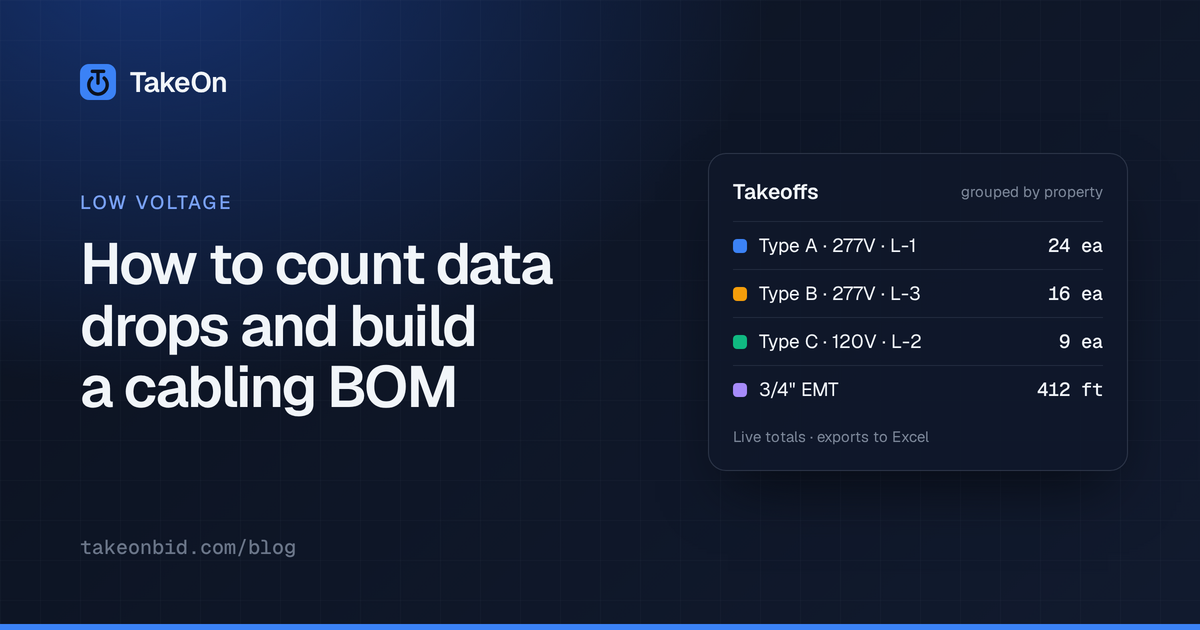
- In TakeOn, a counted
LV - Data Outletexpands into those parts automatically. You supply the prices.
What is a data drop?
A data drop is one horizontal cable from a patch panel in the telecom room to a jack at a work-area outlet. Drawings show outlets, not drops. A single outlet symbol is usually tagged with how many cables it gets, for example a “2” for a two-port wall outlet or a “4” at a floor box. A drop count therefore is the sum of the cables at every outlet, not the number of symbols.
How do you count data drops on a drawing?
You count data drops by counting each outlet type separately and recording its cable count with it:
- Read the legend and the technology notes. Confirm what each outlet symbol means and how cable counts are shown.
- Set the scale on each sheet you will measure cable on.
- Count outlets by type and cable count: wall with 1, wall with 2, floor box with 4, and so on. Keep each combination as its own line.
- Check the enlarged plans and the furniture or systems-furniture plans, which often add drops the floor plan doesn’t show.
- Multiply each line by its cable count and total them. That is the drop count.
Take a worked example: 30 wall outlets with 2 cables and 6 floor boxes with 4 cables. That is 36 outlet locations and 30 × 2 + 6 × 4 = 84 drops.
What goes into the cabling BOM for each drop?
The cabling BOM for data drops has two kinds of line: parts that scale with the number of cables, and parts that scale with the number of outlets.
| Part | Quantity | Worked example (36 outlets, 84 drops) |
|---|---|---|
| Jack | 1 per cable | 84 |
| Faceplate | 1 per outlet | 36 |
| Mounting ring / bracket | 1 per outlet | 36 |
| Patch-panel port | 1 per cable | 84 |
| Patch cord | 1 per cable | 84 |
| Horizontal cable | Measured, per run | See below |
Patch panels are bought whole, so convert ports to panels when you order: 84 ports need four 24-port panels, with 12 ports spare. Floor boxes may not take a ring; adjust those lines to what the spec and the box actually need.
How do you work out the cable footage for data drops?
Cable footage for data drops is the measured length of each run, plus a service loop for each run, multiplied by the cables in the run, plus a slack percentage:
(measured length + runs × service loop) × cables × (1 + slack %)
Two 100 ft runs with two cables each, a 15 ft service loop and 10% slack: (200 + 2 × 15) × 2 × 1.1 = 506 ft. Group runs by cable type (Cat6, Cat6A, coax, fiber) and by pathway, because each one is a different material line.
While you measure, check each run against the horizontal length limit. See how long a Cat6 run can be.
How does TakeOn turn data drops into a BOM?
TakeOn turns data drops into a BOM by linking each count template to a kit of
parts. A Low voltage workspace starts with LV - Data Outlet, a count
template with two properties: Outlet Type (Wall, Floor Box, Ceiling Box,
Telephone) and Cables. Each combination becomes its own group with its own
running total, such as “Data Outlet - Wall (2)”.
LV - Data Outlet is linked to the LV - Data Outlet Kit, which expands
every counted outlet into:
- Cat6A jack × Cables
- 1-gang data faceplate × 1
- Mounting ring / bracket × 1
- Patch-panel port × Cables
- Cat6A patch cord × Cables
The Bid Summary shows each counted group with its kit’s parts listed under it. A Roll up assemblies checkbox collapses them back to one line per group. Kits are editable, so you can change a part, add a box, or switch a jack to Cat6. See what assemblies are for how kits work.
The parts ship with no prices. The starter parts have no unit cost or labor hours, on purpose. You price them in your material catalog, which can import a supplier’s CSV or Excel price list, and every counted drop is priced from there.
Can TakeOn draw the cable run for every drop?
Yes. In the Takeoffs panel, right-click the LV - Data Outlet row and choose
Route all to…. Pick:
- Drops: this sheet, a boundary on it, or every sheet in the document.
- Destination: the landmark you placed in the telecom room or IDF.
- Run template:
LV - Cable Runis the default. - Route shape: Ortho or Free.
TakeOn previews the routes as dashed lines on the sheet, with the number of runs, total, average and longest feet, any runs over the template’s max run length, and any drops it skipped and why. Nothing is drawn until you press Create. Each run takes its outlet’s Cables value, so the cable quantity is multiplied correctly, and the whole batch can be taken back with Remove these N runs.
LV - Cable Run applies the cable formula above to every run: one service
loop per run (15 ft by default), times Cables, plus slack (10% by default).
The cable run template is not linked to a material out of the box, because
one material can’t price Cat6, Cat6A, coax and fiber at once. Link the cable
you are using to the template to price its footage.
New to low-voltage takeoff? Start with what a low-voltage takeoff is.
Try TakeOn free and pick Low voltage when it asks what your team estimates.
Frequently asked questions
- What is a data drop?
- A data drop is one horizontal cable run from a telecom room to a jack at a work-area outlet. An outlet with two cables is two drops, so an estimate counts drops, not just outlet locations.
- What material goes with each data drop?
- Each data drop typically needs a jack at the outlet, a patch-panel port and a patch cord in the telecom room, and the horizontal cable. Each outlet location also needs a faceplate and a mounting ring or bracket, however many cables it takes.
- How do you calculate cable footage for data drops?
- Measure each drop's path from the outlet to the telecom room, add a service loop per run, multiply by the number of cables in the run, and add a slack percentage. For example, two 100 ft runs with two cables each, a 15 ft service loop and 10% slack need (200 + 2 × 15) × 2 × 1.1 = 506 ft of cable.
- Does TakeOn price data drops automatically?
- TakeOn's low-voltage starter kits list the parts for each drop but ship with no prices. A contractor prices those parts from their own material catalog, which TakeOn can import from a CSV or Excel price list, and every counted drop is then priced from it.
- Can TakeOn draw a cable run for every data drop at once?
- Yes. TakeOn's Route all to… command draws one cable run from every counted outlet of a template to a chosen landmark such as the telecom room, previews each run's length first, and can remove the whole batch in one step.